Missing overview column - Targit designer

Hi,
I´m missing a 'column' in my frontpage in Targit Client designer. Normally it looks like this
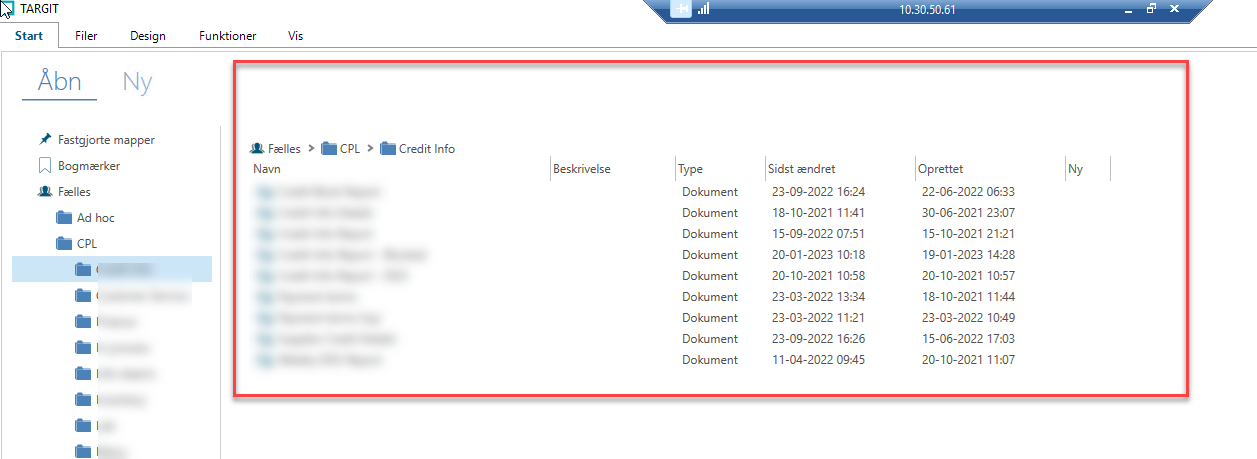
But suddently the right side part of the content is gone - how do I get it back?
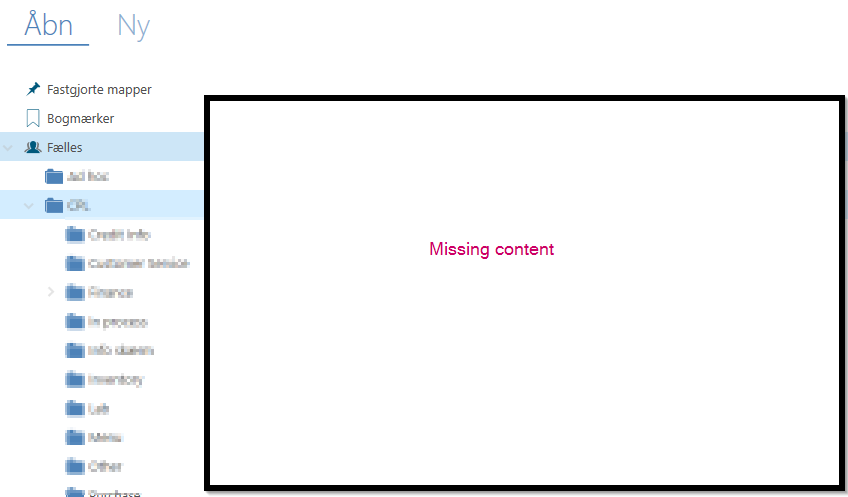
I hope someone can help me.
/Jakob
0
Hi Jacob,
Now, I don't have the full picture. But, if your blue lines on "Fælles" and on "CPL" (as in your screenhot) goes across the full screen, it may be because your "FolderTree" panel somehow has become very wide.
Maybe it has become so wide that you are no longer able to get it back to its normal position.
If this is the case, on the TARGIT server, in the C:\ProgramData\TARGIT\ANTServer\VFS\Personal folder, you should be able to find a folder that matches your credentials. In my example, I am pretending to be the SYS user.
In there, there is a Settings folder with Frontpage.xml file.
Close your TARGIT client.
You can now open this Frontpage.xml file in Notepad, change the "FoldersTreeWidth" value to e.g. 220.
Save the changed xml file and reopen your TARGIT client to see if this solved your issue.
If not, it is something else, and I will need some more details.
BR / Ole
Perfect Ole, that helped. Problem solved. Thanks.
The "FoldersTreeWidth" was set to 200,154334453, I changed it to 200 and my data came back.