Add Row Numbers or use Absolute Reference in an IF calculation

(Targit Version 2019.4 build 17106)
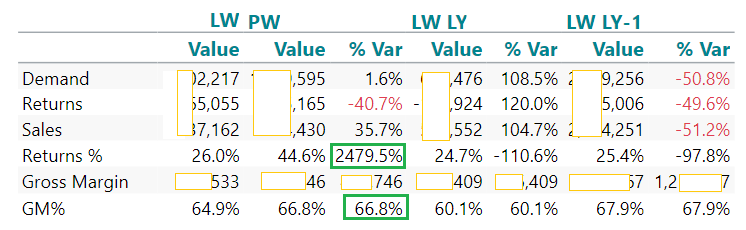
I have a column where I need to use a different calculation depending on the row.
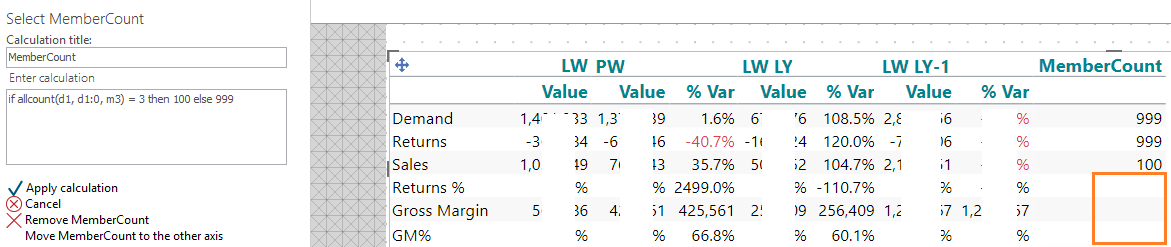
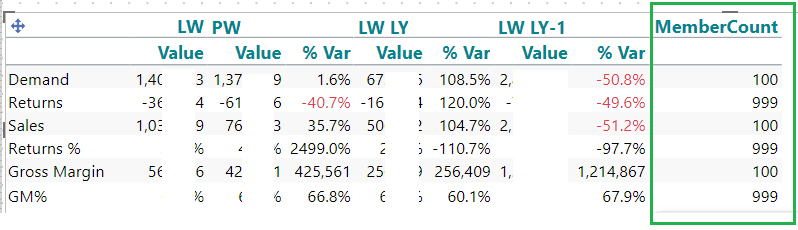
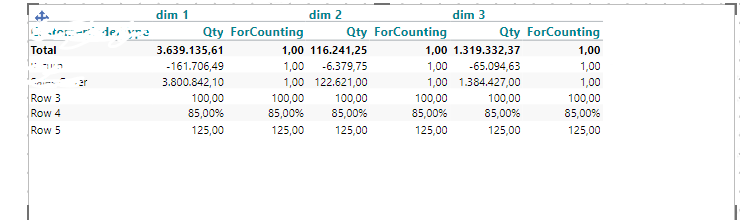
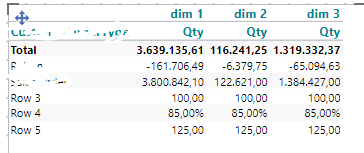
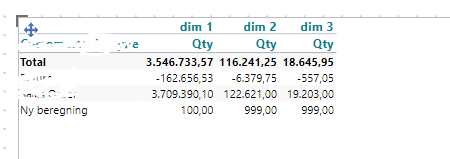
I know row 3 and 5 will always be the rows needing a different calculation so thought I'd just use a row number to reference in my calculation i.e. If columnrow 3 and 5 do calculations1 else calculations2 etc. but I can't seem to get a row number on all rows.
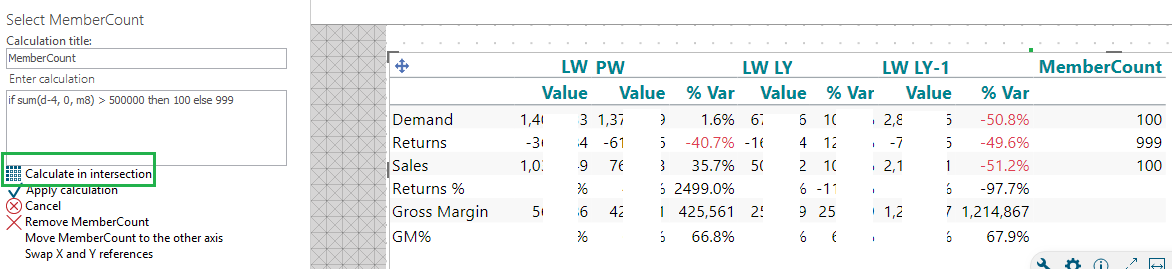
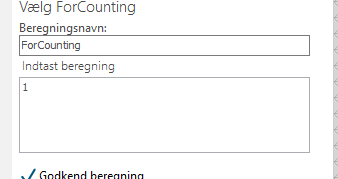
I tried allcount(0, all, m1) and it only works against Dimension rows and does not include calculated rows, I don't get an option to 'calculate in intersection', any ideas?
Other option would be to reference the User Dimension name direct but is this possible within an IF statement i.e. something like: If (absolute references sum(0,@"[Returns %]",0,0) then calculations1 else calculations2
All ideas and help much appreciated
Comments
7 comments