Copy rows from Excel list and paste them into TARGIT as global criteria or user dimension

Hi all,
It would be great if the process of filtering elements out of an Excel list would easier.
Example:
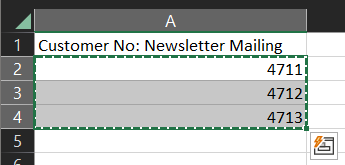
In TARGIT, you can't filter the Customers in the Customer dimension with Copy & Paste.
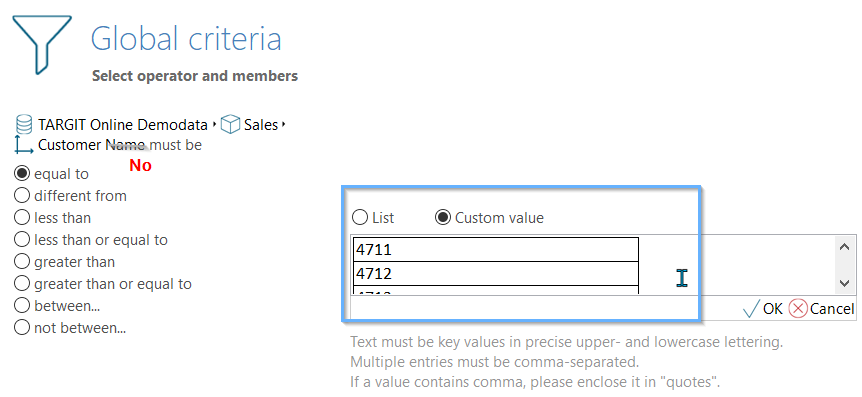
They must be comma separated. It would be good if TARGIT recognizes copies from Excel and lists it by itself.
Another point is that the custom value must be EXACTLY THE SAME as the dimension. This is a bit uncomfortable if e.g. there is a dimension in TARGIT that is based on "Customer No and Name", but only Customer No is being searched as a custom value and there is no result.
Maybe this idea will make it into a future TARGIT version ;-)
Comments
1 comment